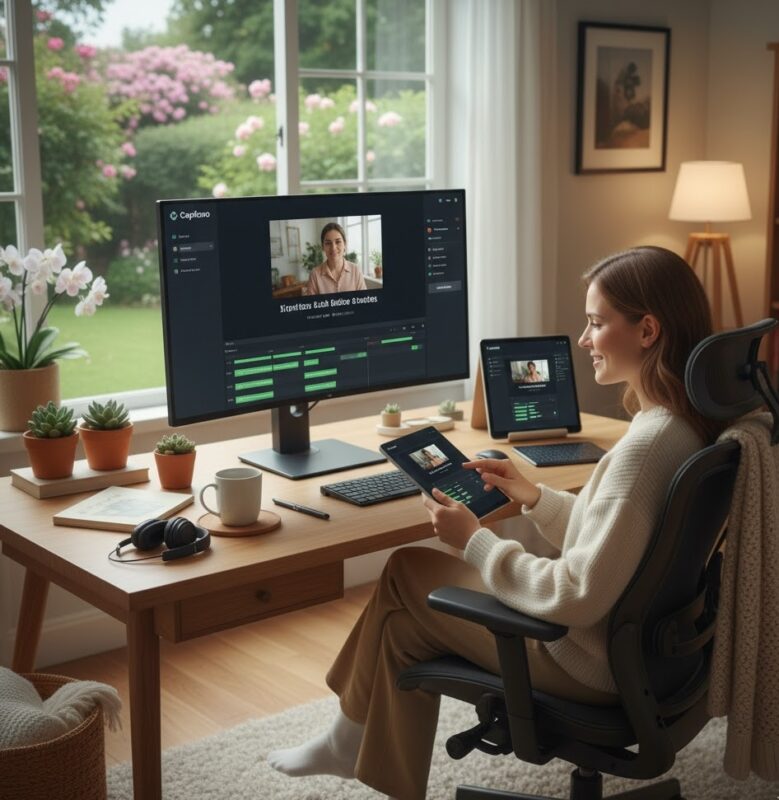
Create Automatic Subtitles For Your Videos
Automatic Subtitles: The Ultimate Guide to Creating Accessible and Engaging Videos
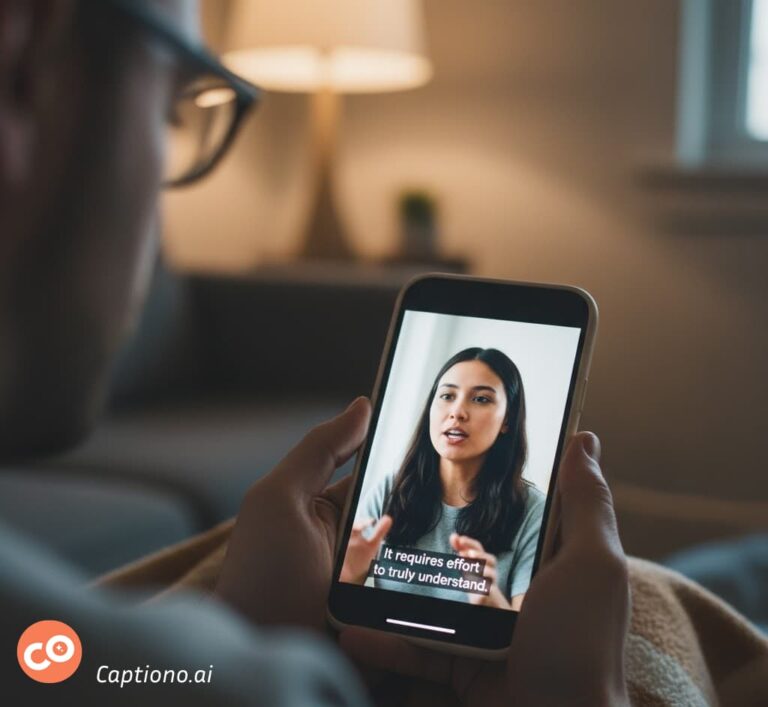
Have you ever stumbled upon a captivating video on social media, only to realize you can't turn the sound on? Or perhaps you've tried to follow a tutorial in a noisy environment? In our fast-paced, mobile-first world, these scenarios are all too common. That's where the magic of automatic subtitles comes in.
Gone are the days of spending hours manually typing out every single word. Technology has revolutionized the process, making it faster, easier, and more accurate than ever. Adding subtitles is no longer just an accessibility feature; it's a powerful tool for content creators, marketers, and businesses to expand their reach and supercharge engagement.
In this disquisition, we'll walk you through everything you need to know about creating automatic subtitles. We'll explore the "why," the "how," and introduce you to a game-changing tool that makes the entire process a breeze.Get ready to unlock the full potential of your video content!
How Do Automatic Subtitle Generators Work? The Tech Behind the Magic
It feels like magic, but the technology behind automatic subtitles is grounded in advanced computer science. Understanding the basics can help you appreciate the incredible tool you're about to use.
The Power of Automatic Speech Recognition (ASR)
At the heart of every subtitle generator lies ASR technology. In simple terms, ASR converts spoken language into written text. It's the same technology that powers voice assistants like Siri and Alexa. Modern ASR systems use sophisticated machine learning models trained on millions of hours of speech data. They learn to recognize phonetic patterns, different accents, and even contextual cues to accurately transcribe speech.
Why Your Videos Desperately Need Automatic Subtitles
Before we dive into the "how," let's first establish the compelling "why." Adding automatic subtitles isn't just a nice-to-have; it's a strategic move that yields significant returns.
Boost Accessibility and Inclusivity
First and foremost, subtitles make your content accessible to a wider audience. This includes the deaf and hard-of-hearing community, as well as non-native speakers who may find it easier to follow along with text support. By adding subtitles, you are consciously choosing to be inclusive, ensuring your message reaches everyone.
Skyrocket Engagement and Watch Time
Did you know that a vast majority of videos on social media are watched on mute? Platforms like Facebook, Instagram, and Twitter autoplay videos without sound. Automatic subtitles grab the viewer's attention immediately, giving them a reason to stay and watch, even in silence. This increased engagement signals to algorithms that your content is valuable, boosting its reach.
Improve Comprehension and Retention
Let's face it, some accents are tricky, and technical jargon can be hard to catch. Subtitles reinforce your message, improve comprehension, and help viewers remember your content better. They are especially crucial for educational content, complex explanations, or when your video is viewed in sound-sensitive environments like offices or public transport.
Enhance SEO and Discoverability
Search engines like Google can't "watch" your videos, but they can crawl text. When you add automatic subtitles, you're essentially providing a text transcript of your video's content. This allows search engines to index your video properly, making it appear in relevant search results and driving organic traffic to your content.
From Audio to Text: A Step-by-Step Process
The journey from your video's audio to perfectly timed subtitles involves several key steps:
Audio Processing:
The system isolates the audio track from your video and cleans it up, reducing background noise.
Speech Recognition:
The ASR engine analyzes the audio, breaking it down into small sound fragments and matching them to words in its database.
Timing and Synchronization:
The tool automatically determines when each word is spoken and creates corresponding timecodes, ensuring the text appears and disappears in perfect sync with the audio.
Punctuation and Formatting:
Advanced generators, like Captiono, go a step further by adding correct punctuation and structuring the text into readable blocks.
Your Step-by-Step Guide to Creating Flawless Automatic Subtitles with Captiono
Now for the main event! Let's walk through the simple and efficient process of creating professional automatic subtitles using the Captiono application. It's designed to be intuitive, saving you time and effort.
Upload Your Video File
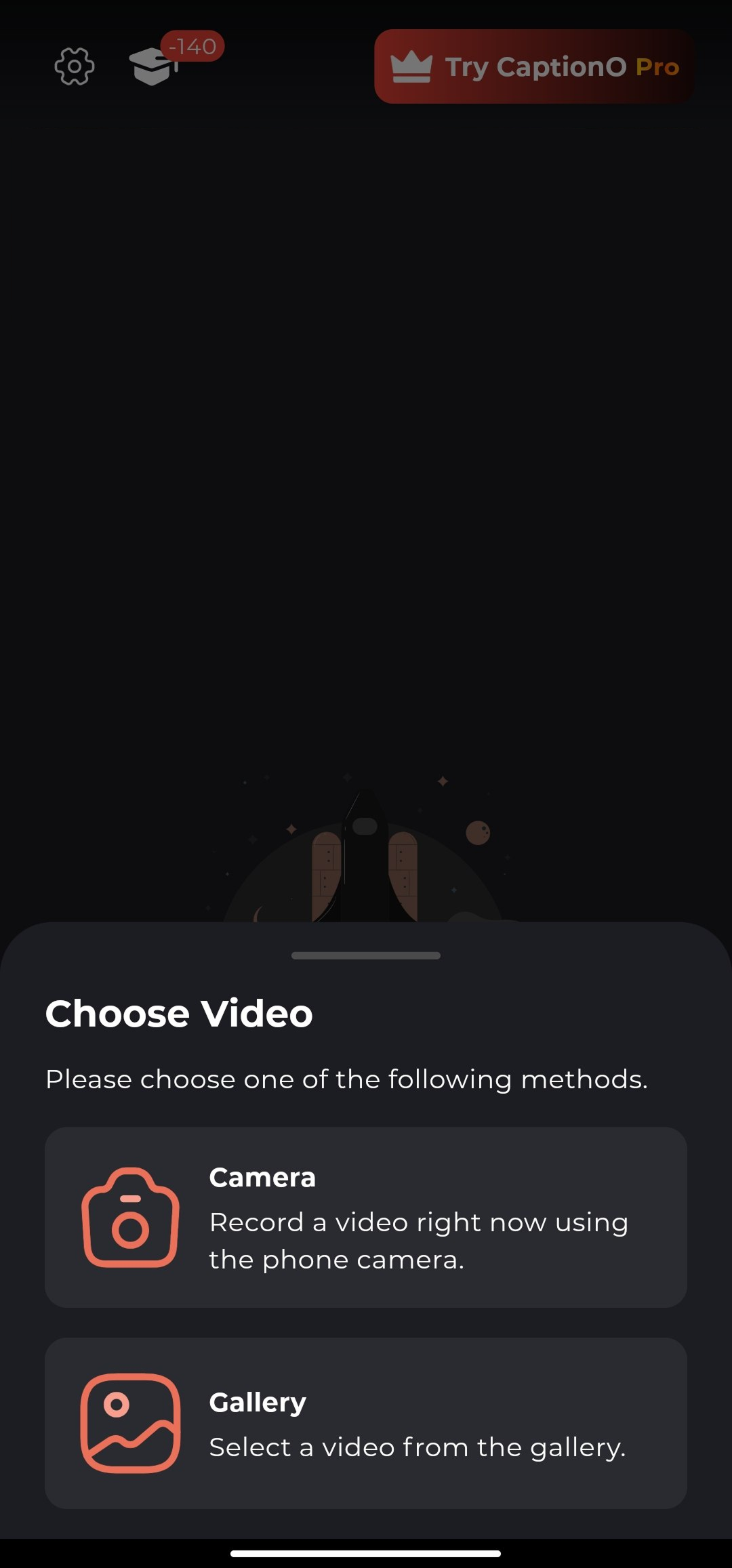
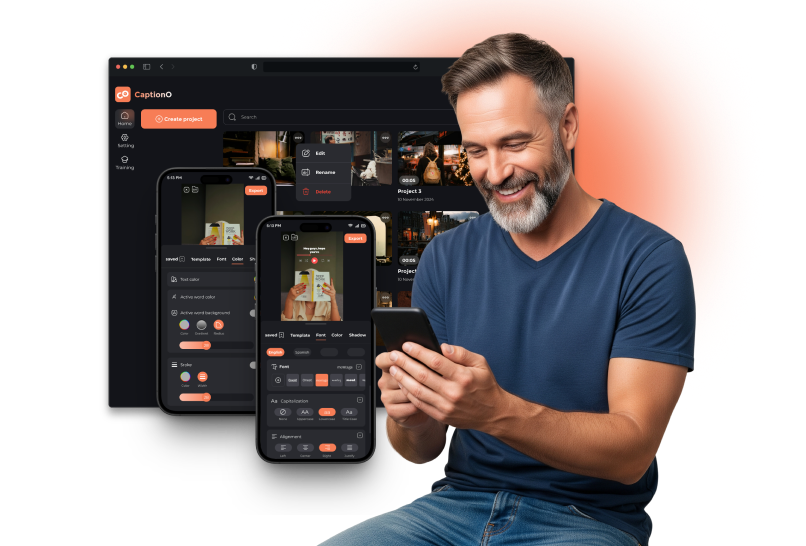
The first step is the easiest. Open the Captiono app or web platform. Tap on Create and then import the video file from the gallery or camera. Captiono supports a wide range of video formats, so you don't have to worry about compatibility.
Let Captiono's AI Work Its Magic
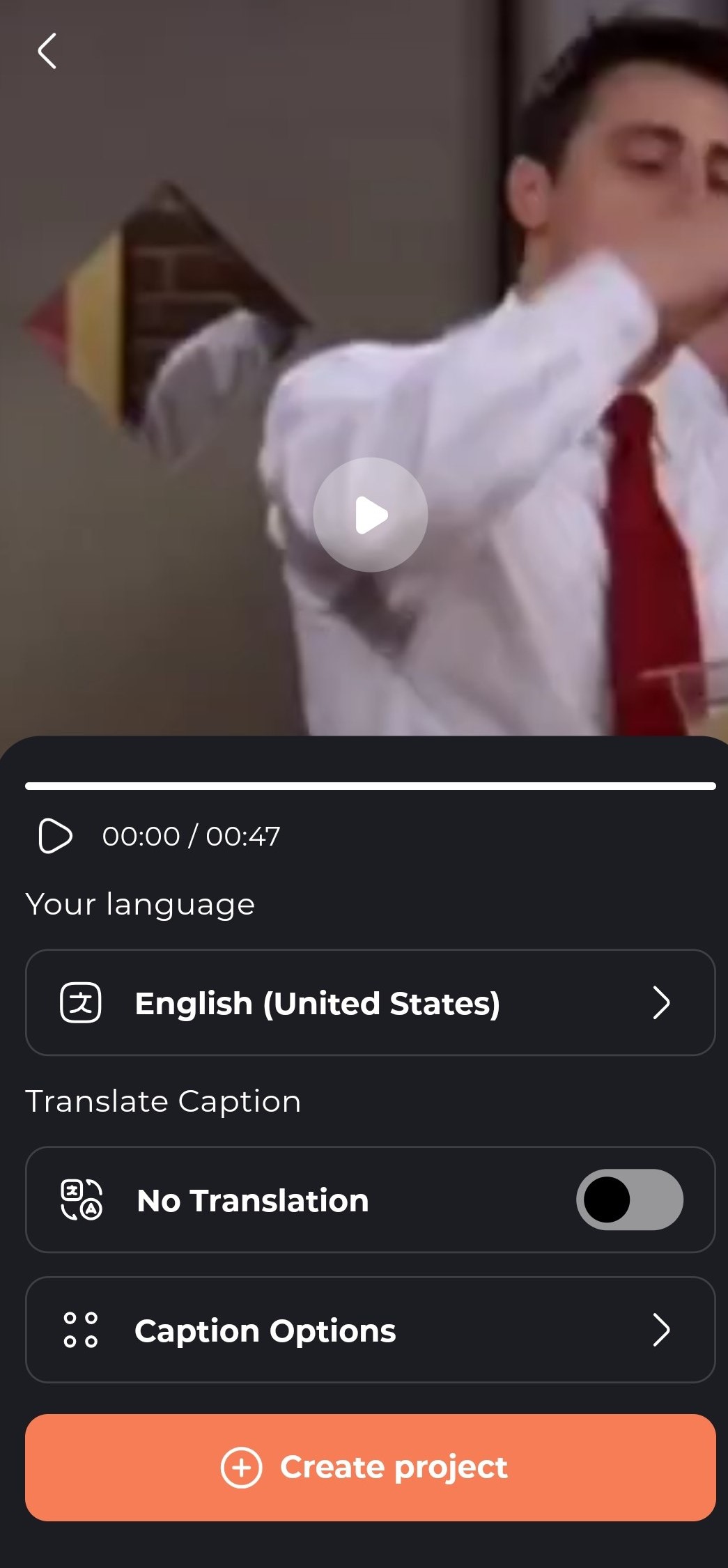
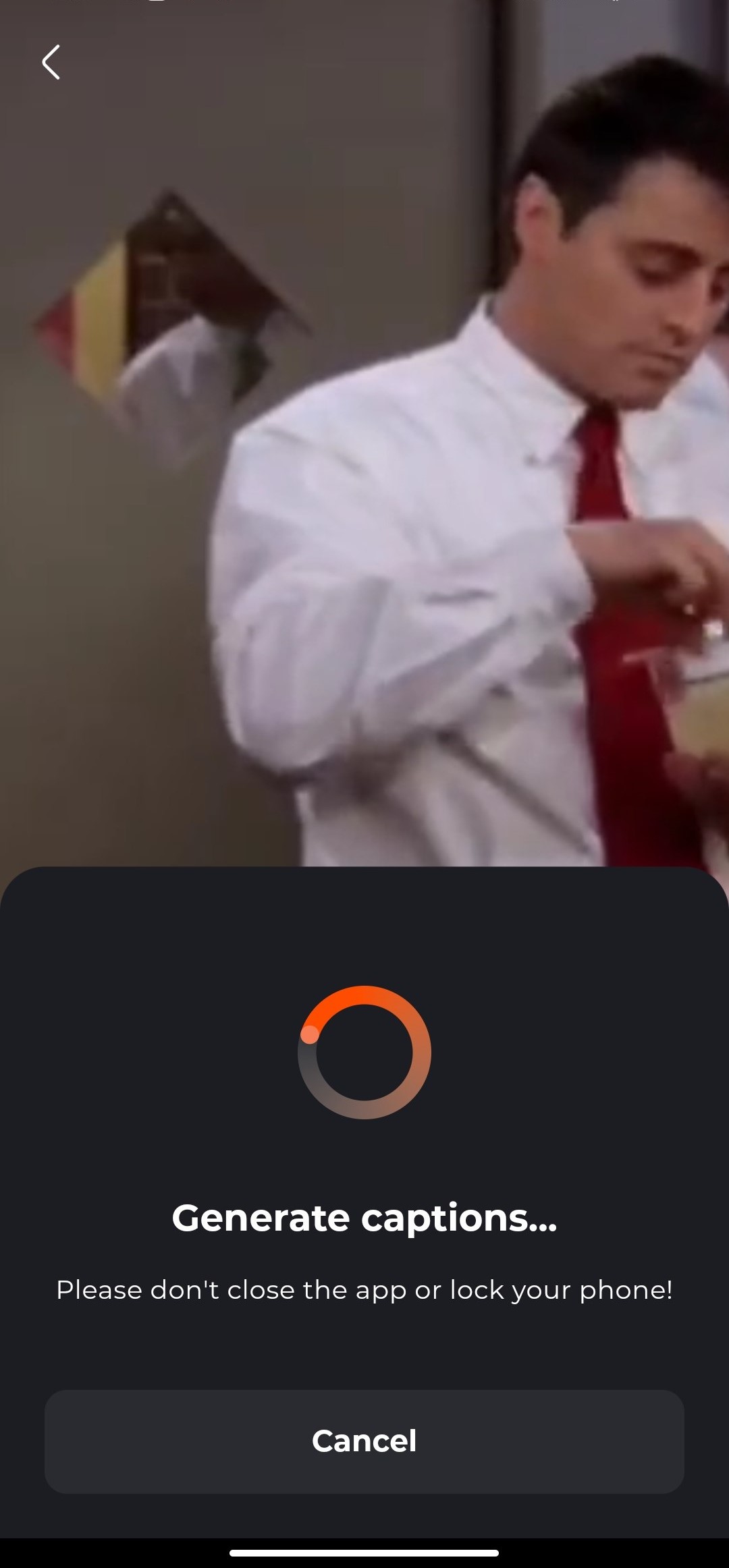
Once your video is uploaded, simply select the language spoken or translation in your video and click the "Create Project" button. That's it! Captiono's powerful AI will process your video, transcribing the speech with impressive accuracy. You can grab a coffee while the hard work is done for you.
Review and Edit for Perfection
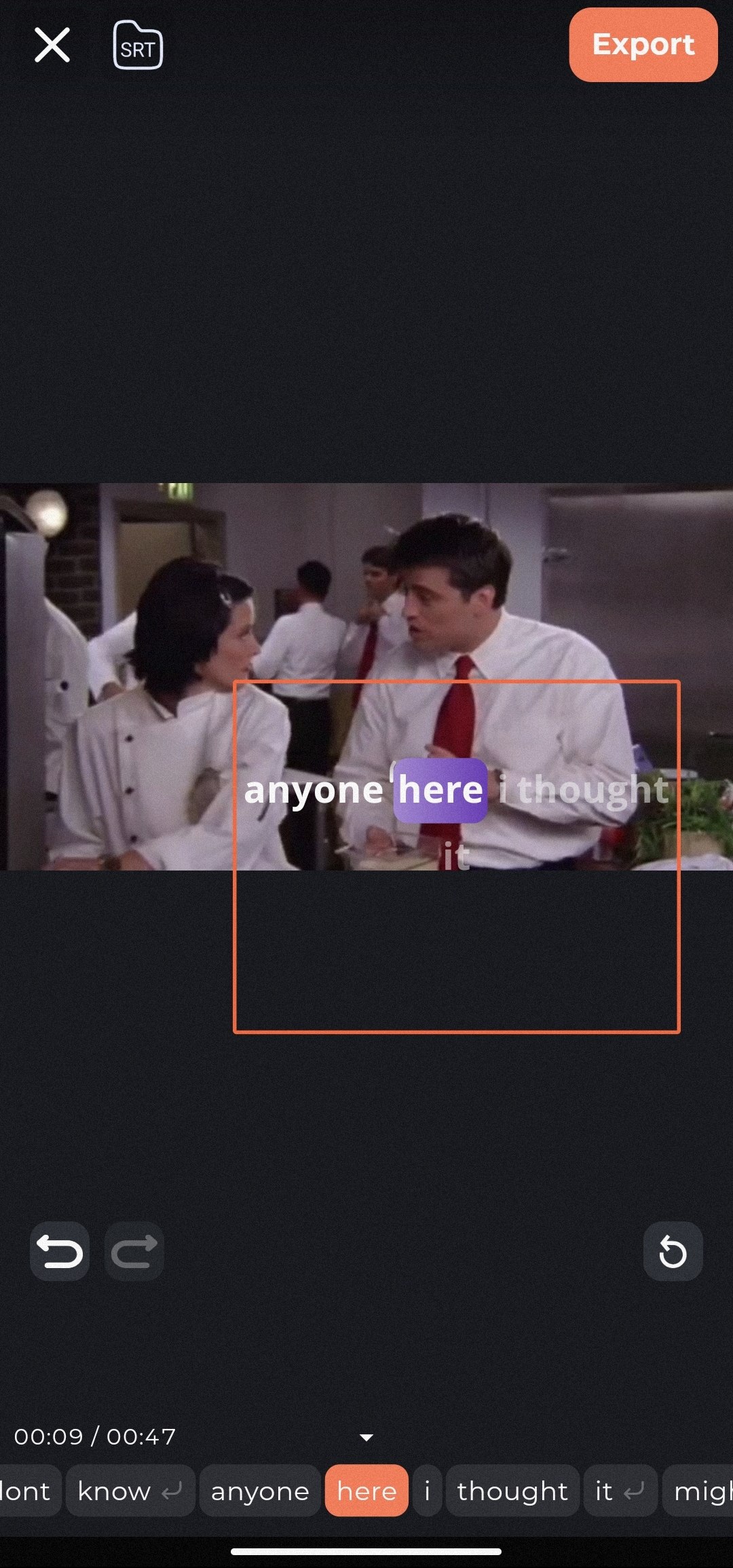
While AI is incredibly smart, it's not perfect. Names, technical terms, or strong accents might need a quick check. Captiono provides a user-friendly editor where you can play your video back and easily edit any text that wasn't captured correctly. This is your chance to ensure 100% accuracy.
Customize the Look and Feel of Your Subtitles
This is where you can let your brand's personality shine. With Captiono, your automatic subtitles don't have to be plain white text. You can:
- Change the font, size, and color , tamplate.
- Add a background box for better readability.
- Choose from different animation styles for your text to appear.
- Position the subtitles anywhere on the screen.
Export and Share Your Newly Subtitled Video
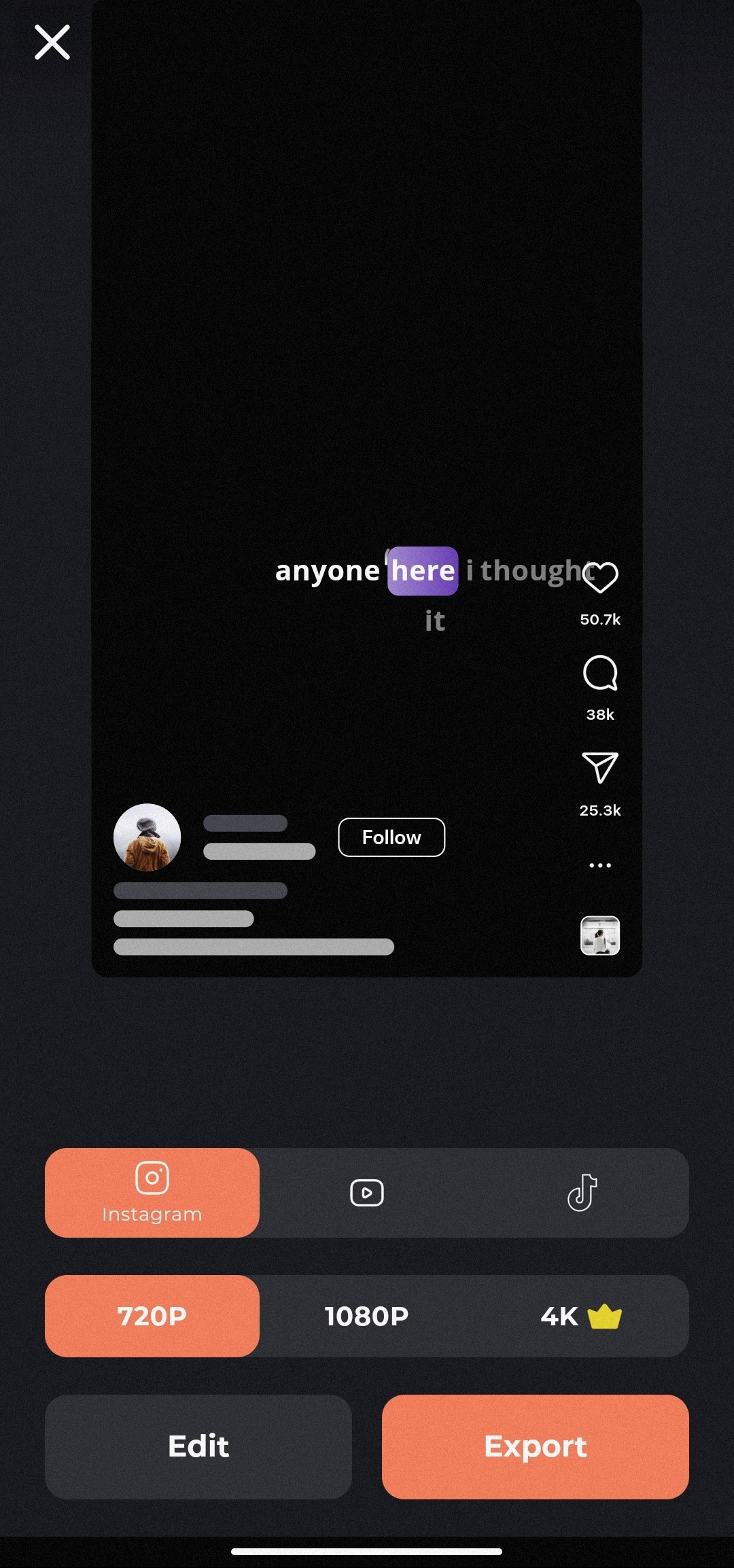
You're all set! Once you're happy with the subtitles and their design, click the export button. Captiono will render a brand-new video file with your beautifully embedded automatic subtitles. Now, you can share it across all your platforms,In the desired quality confident that it will engage and captivate your audience, no matter how they watch it.
Pro Tips for Maximizing the Impact of Your Automatic Subtitles
Creating the subtitles is one thing; making them truly effective is another. Here are some expert tips to ensure your automatic subtitles are doing their best work.
Ensure High-Quality Audio from the Start
The single biggest factor affecting the accuracy of automatic subtitles is your source audio. Record in a quiet environment, use a good microphone, and speak clearly. The cleaner the audio input, the more flawless the subtitle output will be.
Keep it Concise and Readable
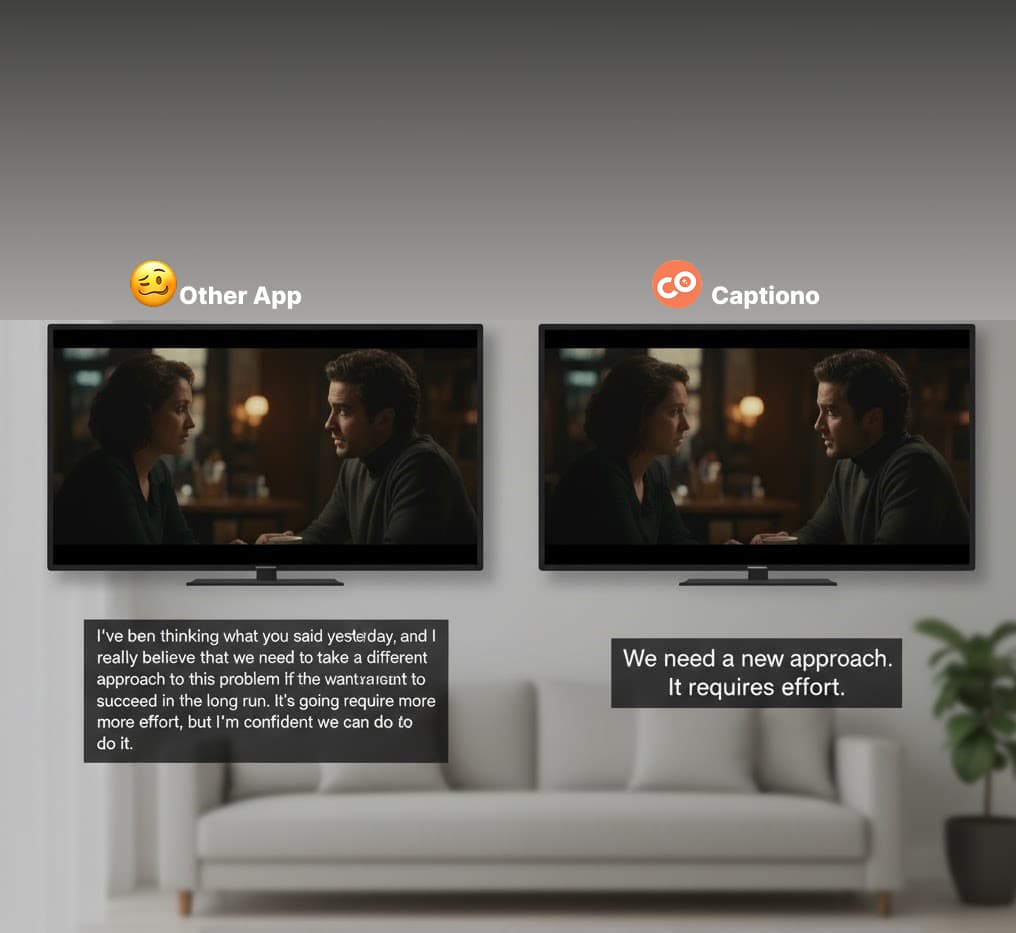
A good rule of thumb is to aim for no more than two lines of text on the screen at a time. Break long sentences into smaller, digestible chunks. This makes it easier for viewers to read quickly without missing the visual action.
Add Personality with Emojis and Branding
Don't be afraid to add a little flair! While the initial generation is automatic, you can manually add an emoji here and there to emphasize a point. Use your brand's colors in the subtitle text to reinforce brand identity.
Always, Always Proofread
We can't stress this enough. A quick proofread can save you from embarrassing and confusing errors. Check for homophones (e.g., "their" vs. "there"), proper nouns, and correct punctuation.
Beyond the Basics: Advanced Uses for Automatic Subtitles
Your new skill of creating automatic subtitles opens up a world of possibilities beyond just the final video.
Repurpose Content into Blog Posts and Transcripts
You've just created a perfect transcript of your video! Use this text to create a companion blog post, a show notes page for your podcast, or a downloadable PDF resource. This is a huge SEO win and provides value in multiple formats.
Create Multiple Language Subtitles for a Global Audience
Want to reach viewers in Spain, Brazil, or Japan? Captiono, offer features to translate your automatic subtitles into dozens of other languages. This allows you to break down language barriers and connect with a global audience without re-recording your content.
Improve Your Workflow with SRT Files
Need to provide subtitles to a client or use them on a different platform? You can easily export your automatic subtitles as an SRT file. This is the universal subtitle file format compatible with YouTube, Vimeo, and most professional video editing software.
Conclusion: Your Content's New Superpower
Embracing automatic subtitles is one of the smartest investments you can make in your video content strategy. It's a simple process with a monumental impact, transforming your videos from passive viewings into engaging, accessible, and discoverable experiences.
You have the power to ensure your message isn't lost in the noise—or the silence. By Captiono, you remove the technical barriers and time-consuming labor, allowing you to focus on what you do best: creating amazing content.
So, what are you waiting for? Choose your next video, head over to Captiono, and give the gift of clarity and connection to your audience. The world is waiting to hear—and read—what you have to say.
How accurate are automatic subtitle generators?
Modern AI-powered generators like Captiono are highly accurate, often achieving over 95% accuracy with clear audio. However, factors like heavy accents, background noise, or specialized vocabulary can affect this, which is why a quick review is always recommended.
Can I create subtitles in different languages?
Absolutely! Captiono, offer the ability to automatically generate subtitles in one language and then translate them into multiple other languages, helping you reach a global audience.
What video formats are supported?
Most automatic subtitle tools support all common video formats, including MP4, MOV, AVI, and WMV. Always check the specific tool's documentation for a complete list.
Is it possible to edit the subtitles after they are generated?
Yes, definitely. A key feature of any good subtitle tool is a built-in editor that allows you to easily correct any mistakes in the text, adjust timing, and customize the appearance.
How long does it take to generate automatic subtitles?
The processing time depends on the length of your video and your internet speed. For a typical 10-minute video, it often takes just a few minutes to generate the initial transcript.
Recent posts
Categories
Recent Comments